Favourites

Your bookmarks. A better start.

Turn every new tab into a beautiful, personal space. Your favourite websites, useful widgets and everything you need, exactly where you want it.

For desktop Chrome · Available on the Chrome Web Store

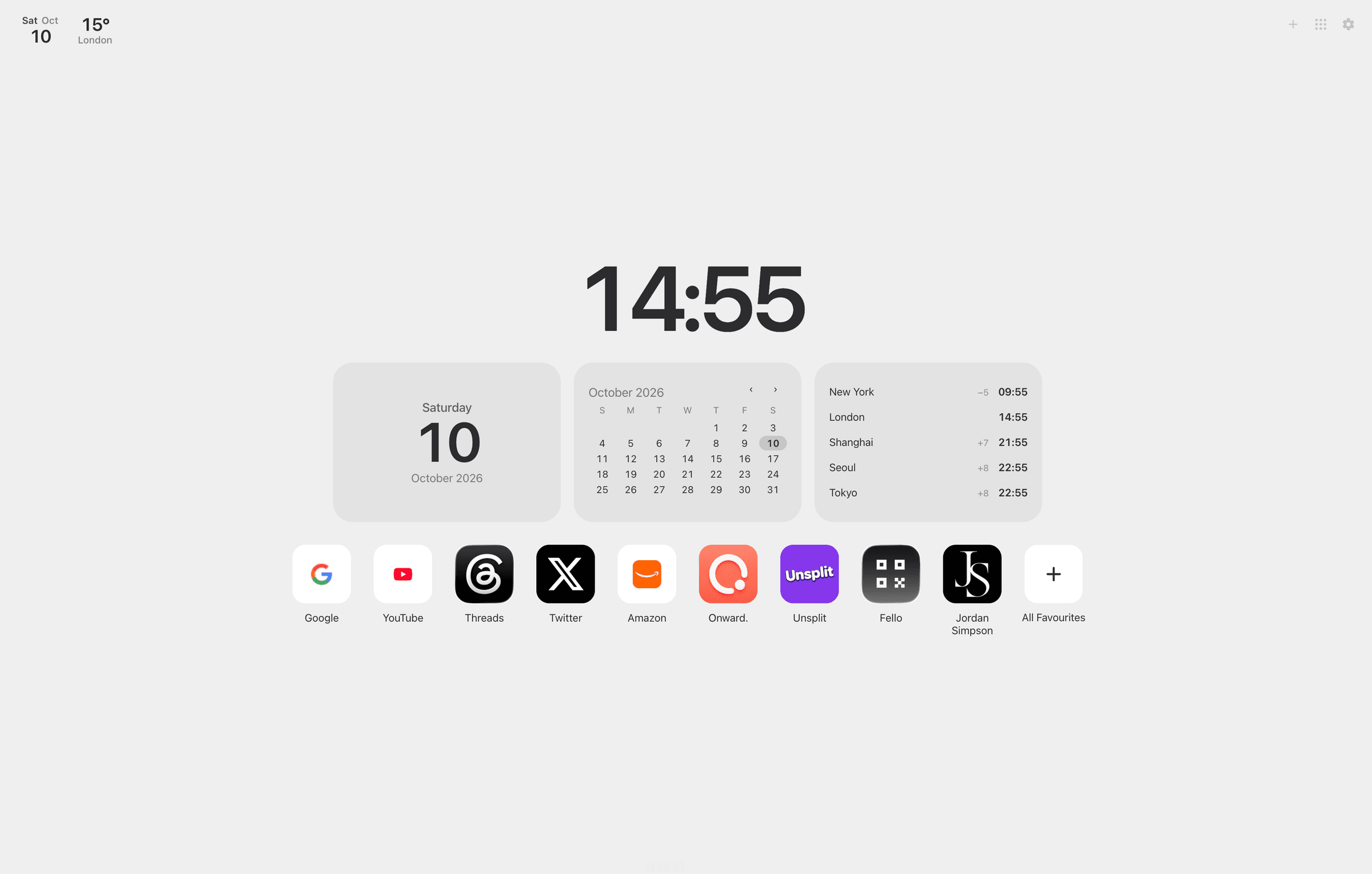
Favourites Launchpad New Tab with a large clock, favourite websites and optional widgets

Two ways to start

Your new tab, your way.

Keep things simple with your favourite websites, or create a personal home with Launchpad. Both experiences are included in Favourites.

Launchpad view with favourite websites and widgets on a calm New Tab page

A little more from every new tab.

Your favourite websites, the time, weather and useful widgets, all in one beautifully simple space.

Launchpad
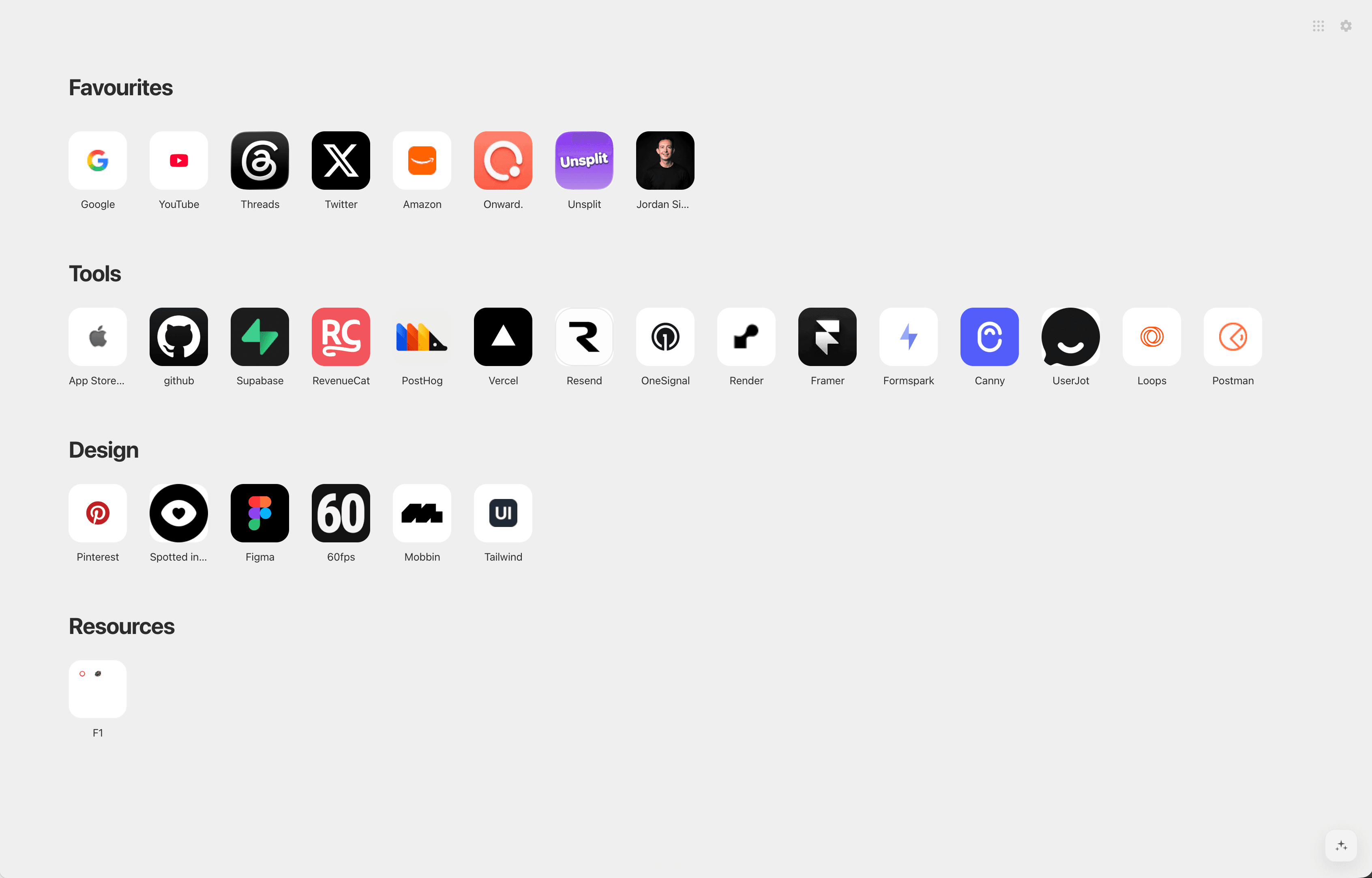
Classic Favourites board with organised bookmark sections and app-style icons

All your favourites. Beautifully organised.

Give your Chrome bookmarks the clean, familiar experience they deserve.

Classic Favourites

One extension. Two ways to start.

Add to ChromeSee all features

Optional widgets

Just what you need. Nothing you don't.

Make your new tab a little more useful with simple, beautiful widgets. Add only the ones you want.
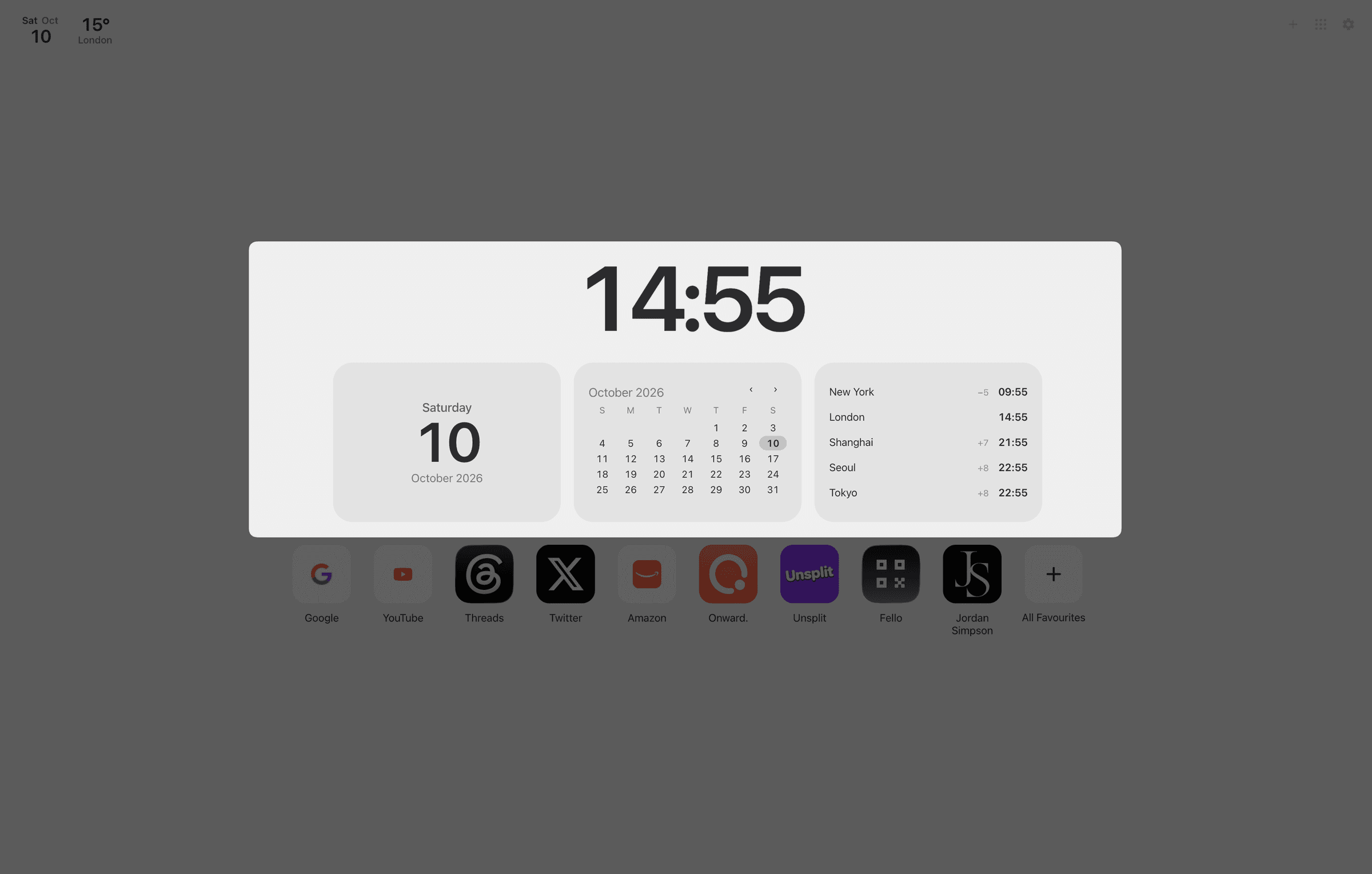
  • Date
  • Calendar
  • World Clock
  • Weather
Favourites widgets including date, calendar, world clock and weather
Classic Favourites board showing Chrome bookmarks as clear website icons

Your bookmarks

Your bookmarks, only better.

Favourites works with the bookmarks you already have in Chrome. No importing, no new accounts, no starting over.

  • Chrome bookmarks stay the source of truth
  • Beautiful website icons
  • Easy folder navigation
  • Drag-and-drop organisation
  • Fast bookmark search
  • No separate bookmark database

Optional workspaces

Make space for what matters.

Organise your favourite websites into spaces for work, personal projects or whatever you're working on.
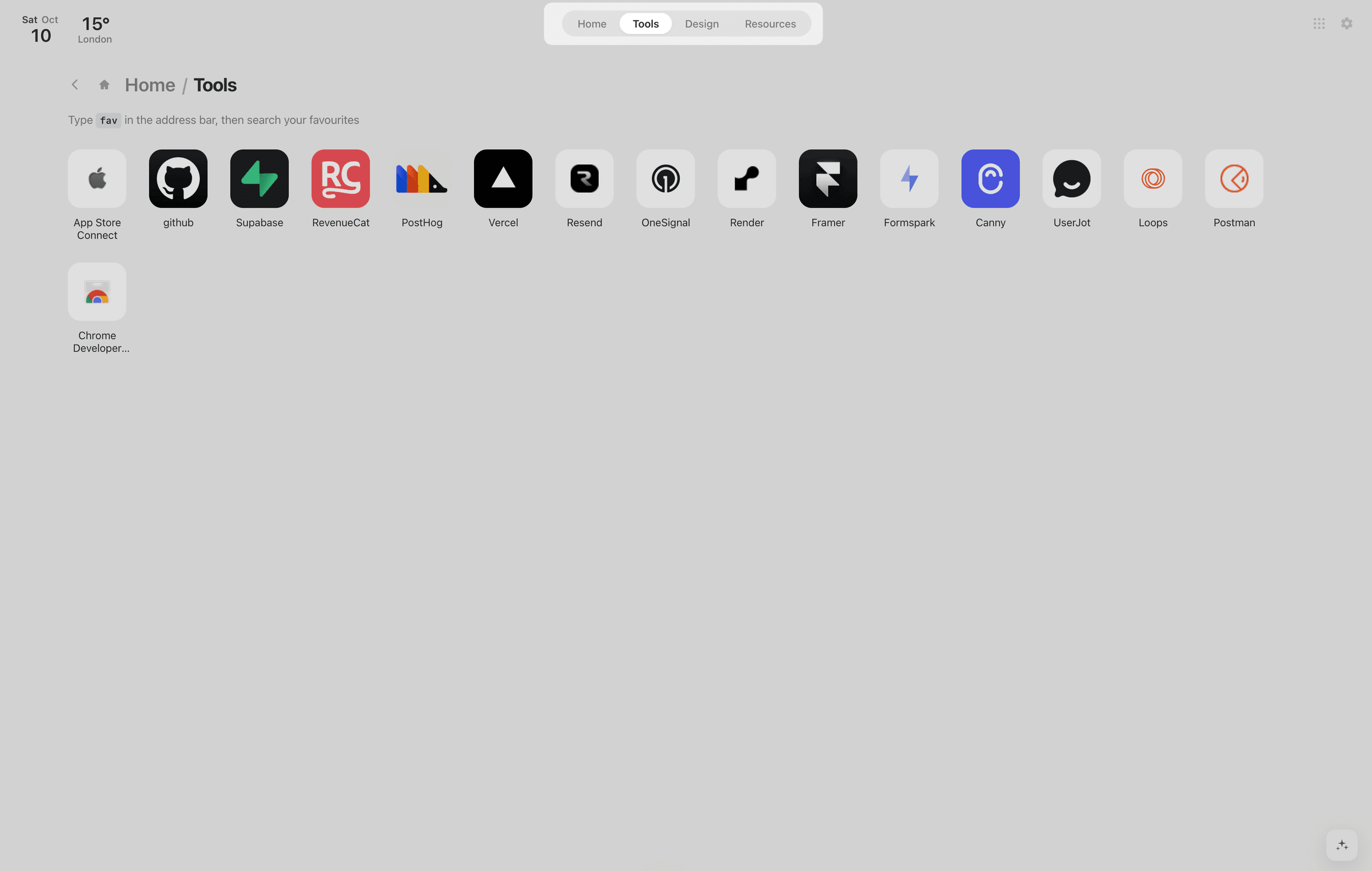
  • Spaces can follow your bookmark folders
  • Switch quickly between collections
  • Open a collection as a Chrome tab group
  • Keep everyday sites organised without clutter
Favourites Spaces navigation for switching between bookmark collections
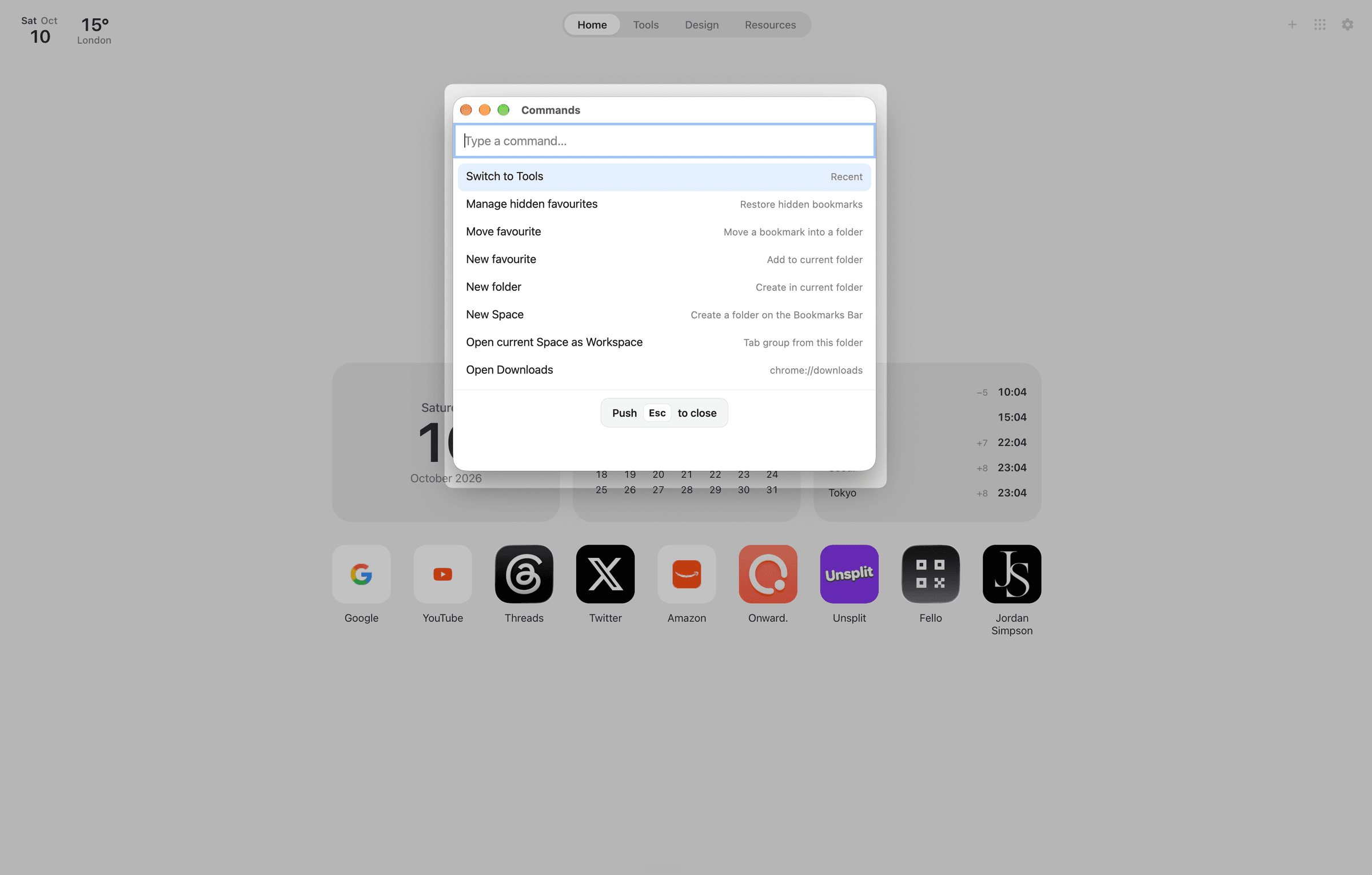
Favourites command palette for searching bookmarks and running shortcuts

Find anything

Everything, a shortcut away.

Find bookmarks, jump between folders and save websites without breaking your flow.

Press ⌘K or Ctrl+K and get straight to what you need.

  • Quick bookmark search
  • Command palette
  • Save the current tab
  • Keyboard shortcuts

Privacy

Your bookmarks stay yours.

Favourites works with Chrome's existing bookmarks. There's no Favourites account and no separate bookmark server.

  • Bookmarks remain in Chrome
  • No Favourites account required
  • Bookmark names and URLs are not intentionally sent to product analytics
  • Optional Intelligence uses on-device processing
  • Weather is optional; Open-Meteo is used for weather and World Clock city search
  • Product usage analytics help improve Favourites

Read the Privacy Policy.

Make every new tab your favourite.

A better place to start, built around the websites you already love.

Designed for desktop Chrome · Available on the Chrome Web Store